
Streamline Your Bankruptcy Documents
Instructions for submitting bankruptcy tax returns and other required documents to the trustee.
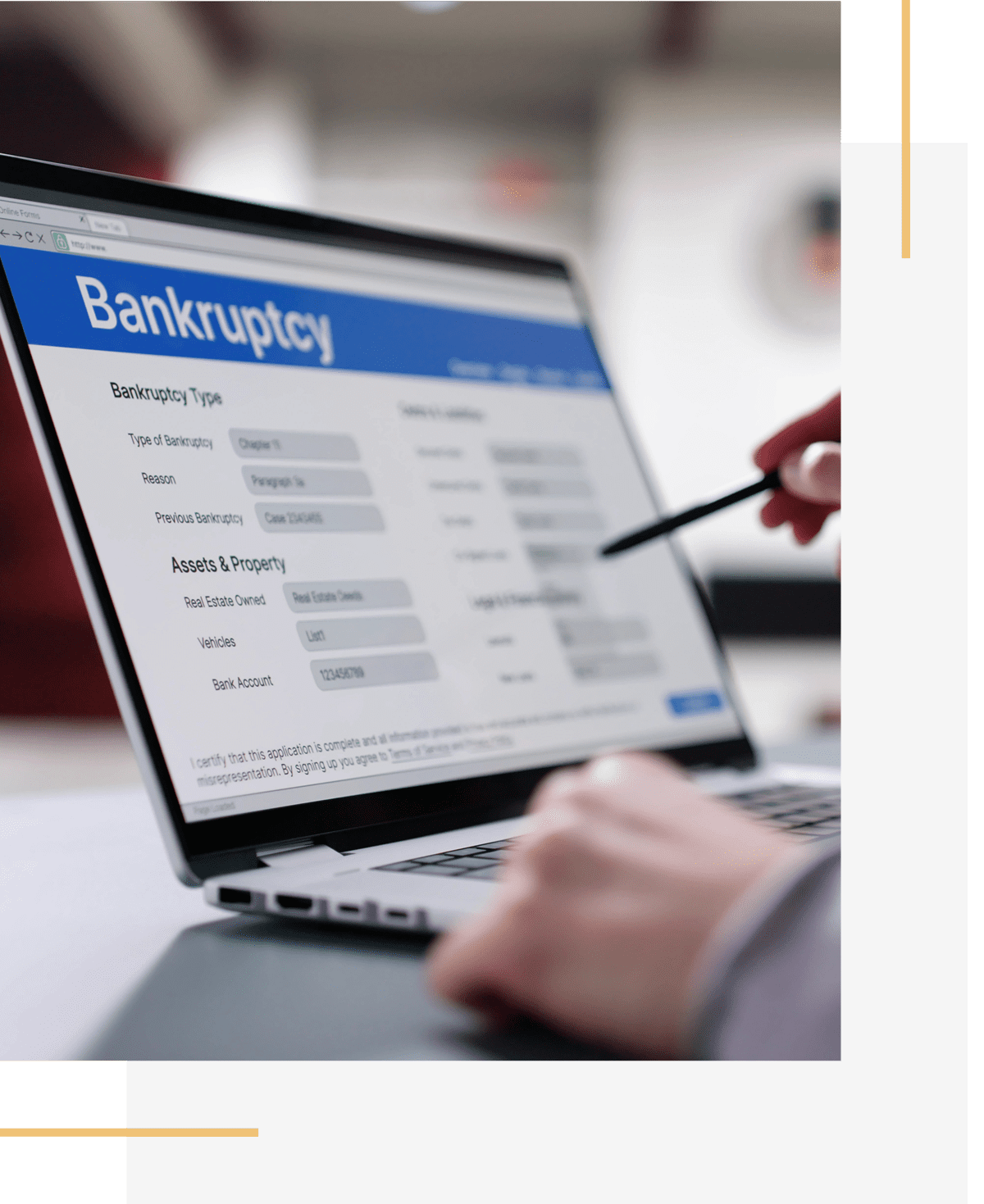
Secure Document Submission Portal
With BKDocs, documents can only be uploaded to cases assigned to a specific trustee, preventing information from being sent to an incorrect trustee. Attorneys can also view document upload history, including date and time stamps.
To use BKDocs, you must register for access. One login per law firm is recommended. Registration is free. Log in to BKDocs.us and follow the steps to “Register” for David Rawlings, Trustee on the home screen.
For attorneys already using BKDocs with the McCarty or Gooding Trust Operations, your existing login and password should work with our site. However, you will need to request access to send documents to our site. Log in to BKDocs.us, click “Request Trustee Authorizations” on the home screen, and add David Rawlings, Trustee.